Does Your Treadmill Need an App to Work? Three Tiers
Treadmills split into three tiers: standalone, account-to-activate, and membership-gated. No subscription does not mean no app - check before you buy.
Not always. Treadmills fall into three tiers: standalone consoles that run on their own buttons and stored programs with no app or account (e.g. Sole); machines that are subscription-free but need a free account to activate the smart screen (e.g. NordicTrack manual mode); and membership-gated machines that still run a basic 'Just Run' mode without the paid plan but lose classes, most metrics, and heart-rate pairing (e.g. Peloton). No monthly fee does not mean no app, so ask both questions before you buy.
How GymScored is paid: Amazon Associates commission plus brand-direct affiliate (Rogue / REP / Titan when approved). No sponsored placements, no paid reviews, no pay-to-rank. Picks are ranked by the Gym Score formula and nothing else. Read the full disclosure.
If you want a treadmill that works regardless of apps, accounts, and servers, buy one with onboard console programs (Tier 1) and confirm a no-login quick-start path before it arrives. Subscription-free is not the same as app-free: many smart treadmills still gate first-run behind a free account, and membership treadmills keep only a stripped 'Just Run' mode when you stop paying.
The console-independence matrix
Which treadmills run with no app and no account, and what each tier costs you.
| Tier | Runs with no internet/login? | Recurring fee? | What you lose without an account/fee | Example pattern |
|---|---|---|---|---|
| 1 - Standalone console | Yes - onboard programs, press start | No | Nothing; streaming apps are a bonus, not a gate | Sole (10 onboard programs) |
| 2 - Account to activate | No - free account + terms needed first | No | First-run access until you sign in; manual mode after | NordicTrack manual mode |
| 3 - Membership-gated | Partly - basic 'Just Run' only | Yes | Classes, most metrics, heart-rate pairing, programs | Peloton Tread |
Which tier should you shortlist?
Decide by your situation, not the generic ranking.
| If | You want | Pick |
|---|---|---|
| Works forever, no apps or servers | Tier 1 - standalone console | Programs live on the machine; nothing to log into, nothing to cancel |
| No monthly fee, fine with a one-time setup | Tier 1 or 2 | Both are subscription-free; Tier 2 just adds a free activation account |
| Instructor classes are the whole point | Tier 3 - membership | You are buying the service; the hardware alone is a plain treadmill |
| Not sure yet / resale matters | Tier 1 | Standalone consoles keep full value with no account tied to the machine |
The short version
- "No app required" and "no account required" are different promises. Some treadmills run on the console buttons alone; some make you create a free account before the belt will move; some lock the good half of the machine behind a paid membership.
- The cleanest owner-forever pattern is a treadmill with onboard console programs stored on the machine, not in the cloud. Sole is the reference example: "you own the treadmill, not a subscription."
- The trap is the activation account. A treadmill can be technically subscription-free and still refuse to start until you make an account and accept terms on a connected screen.
- A paid-membership treadmill (Peloton) still runs as a plain treadmill without the fee, but you lose classes, most metrics, and heart-rate pairing.
- Decide this before you buy. It is nearly impossible to tell from a product page, and it is the single most common regret we see in owner threads.
Three tiers of "does it need an app?"
Home treadmills split into three ownership tiers. The marketing rarely names which tier a machine is in, so you have to reverse-engineer it from the console description.
- Tier 1 — Standalone console. Physical or on-screen quick-start, speed and incline controls, and a set of workout programs baked into the console. No phone, no account, no internet. Works the day the power goes out on your router and works in year ten when the company is gone.
- Tier 2 — Account to activate. The hardware is subscription-optional, but the smart screen wants a (free) account and a terms agreement before it will unlock. You are not paying, but you are dependent on the sign-in flow working.
- Tier 3 — Membership-gated. The machine is designed around a paid service. It still moves the belt without the fee, but the experience it was sold on lives behind the paywall.
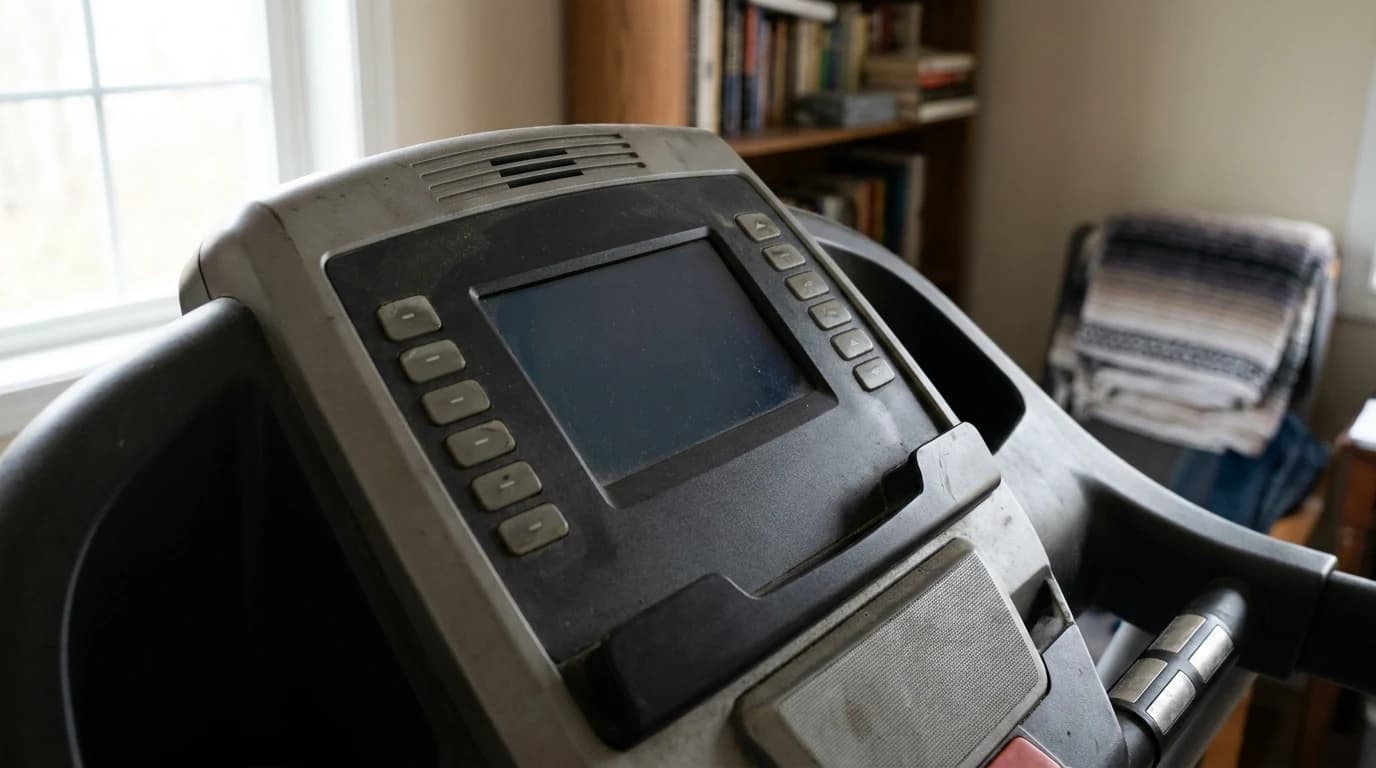
The console-independence matrix
This is the table nobody puts on a spec sheet. It is the whole buying decision for anyone who wants a treadmill, not a content subscription.
| Tier | Can you press start with no internet and no login? | What you give up | Reference example |
|---|---|---|---|
| Tier 1 — Standalone console | Yes | Nothing; streaming apps are a bonus, not a gate | Sole |
| Tier 2 — Account to activate | Not on first run; activation expects a free account | App-free independence, not money | NordicTrack |
| Tier 3 — Membership-gated | Belt runs, content does not | Classes, most metrics, heart-rate pairing | Peloton Tread |
Rule of thumb: ask a salesperson or the manual one question — "If there is no internet and no account, can I press start and run a preset workout?" If the answer is anything other than a flat yes, you are in Tier 2 or Tier 3.
Tier 1 in practice: Sole
Sole is the reference for the buy-it-and-forget-the-fee crowd. On its own treadmill lineup, Sole states plainly that "you own the treadmill, not a subscription," and that "every workout, every app, and every feature works from day one." The F80 ships with 10 pre-programmed console workouts (manual, hill, fat burn, cardio, HIIT, and so on) plus user-defined slots, all stored on the machine itself.
The nuance worth reading
Sole also has a free companion app and preloaded streaming apps on the touchscreen models. Those are add-ons, not gates. The console programs do not phone home. This is the pattern to look for — programs on the console, streaming as a bonus, no login to run.
Tier 2 in practice: the activation account
This is the tier that surprises people. A treadmill can be genuinely subscription-free and still stop you at a sign-in wall.
Subscription-free is not app-free
NordicTrack's own fine print says a "free account and agreement to terms [is] required to activate equipment." In manual mode you can run without a paid iFIT membership — tap the quick-start or manual option, press start, and the speed and incline controls behave like any treadmill, with your stats on the console. But the first-run activation expects an account and, on some firmware, disconnecting Wi-Fi is the difference between reaching the manual button and being pushed back to a login screen.
So the honest description of a Tier 2 machine is: no monthly fee, but not app-free. If your buying reason is resilience — you want the thing to work regardless of accounts and servers — Tier 2 is a compromise, not the goal.
Tier 3 in practice: Peloton
Peloton is upfront that the "All-Access Membership [is] required to access all Peloton content and applicable features." The Tread is built around that subscription.
The belt still runs
What people miss is that the belt still runs without it. Peloton kept a "Just Run" / free mode that lets non-members walk or run using the physical controls, with a few live metrics on screen. What you give up without the membership is the entire reason most people bought a Peloton: instructor classes, scenic runs, programs, the leaderboard, and — notably — heart-rate accessory pairing, which is tied to the subscription.
If you would be happy using a Peloton Tread as a plain, premium treadmill forever, it works. If the classes are the point, the hardware is a very expensive doorstop the month you stop paying. That is a fair trade to make on purpose, and a brutal one to discover by accident. (For the head-to-head, see NordicTrack vs Peloton Tread.)
How to read a spec sheet before you buy
You almost never see "requires an account" printed on a product page. Infer it.
Signs the workouts live on the console:
- A count of onboard programs. A machine advertising "10 built-in workout programs" is telling you those live on the console.
- "Manual mode" or "quick start" named in the manual. Its presence is a good sign there is a no-login path; its absence is a red flag.
- Physical speed and incline controls you can reach without unlocking a screen.
Signs the workouts live in the cloud:
- Only class counts are advertised. "Hundreds of classes" tells you the workouts live on a server.
- "Free account required to activate." That exact phrase means Tier 2 — subscription-free, not app-free.
- Streaming apps used as proof of independence. Netflix and Spotify on the screen are entertainment. They tell you nothing about whether the treadmill's programs need an account.
- Heart-rate pairing bundled into the plan. On membership machines, a canceled plan can also cost you your chest strap.
What most people get wrong
The common belief is "no subscription = no app." It does not.
Two separate questions
A treadmill can charge you nothing per month and still be useless without a working account and sign-in — that is Tier 2, and it is where most "smart" treadmills actually sit. Conversely, a treadmill can require a paid membership and still run as a basic treadmill without it — that is Tier 3's "Just Run" fallback.
So the two questions are separate, and you should ask both:
- Is there a recurring fee?
- Can it start and run a workout with no internet and no login?
Worth knowing: a machine can be a yes on one and a no on the other. The only tier that is a clean "runs no matter what" is Tier 1 — onboard console programs, no login to press start.
If long-term independence from apps, accounts, and servers is your reason for buying, that is the tier to shortlist, and it is worth confirming in writing before the treadmill shows up on your doorstep.
For the flip side of this — the machines that quietly lose features when you do cancel — see which home gym machines secretly need a subscription.
Frequently Asked Questions
Does a treadmill without a subscription still need an app?+
Sometimes yes. Subscription-free and app-free are different promises. Many smart treadmills charge no monthly fee but still require a free account and terms agreement to activate the screen before the belt will move. A treadmill with onboard console programs is the only pattern that reliably needs neither an app nor an account.
Can you use a NordicTrack treadmill without iFIT?+
Yes, in manual mode. You can press quick-start or manual, run, and adjust speed and incline with your stats shown on the console, without a paid iFIT membership. But NordicTrack notes a free account and agreement to terms is required to activate the equipment, and some firmware pushes you back to a login unless Wi-Fi is disconnected, so it is subscription-free rather than fully app-free.
Does the Peloton Tread work without a membership?+
The belt runs in a 'Just Run' free mode with a few live metrics, but the All-Access Membership is required for the classes, most tracking, scenic runs, and heart-rate accessory pairing that the Tread is built around. Without the fee it is a plain, expensive treadmill.
Which treadmills run with no app and no account?+
Treadmills with onboard console workout programs, such as Sole's lineup, run on their own buttons with no internet and no login. Sole states you own the treadmill, not a subscription, and its consoles ship with about 10 stored programs. Look for a listed program count on the console rather than only cloud classes.
Sources & Research
- Sole — SOLE F80 Treadmill - 'you own the treadmill, not a subscription'; 10 pre-programmed console workoutsmanufacturer
- NordicTrack — NordicTrack Treadmills - 'Free account and agreement to terms required to activate equipment'manufacturer
- Peloton — Peloton Tread - 'All-Access Membership required to access all Peloton content and applicable features'manufacturer
- Peloton Buddy — Update on 'Just Run' mode for Peloton Treadmills without a subscriptionreference
Your next step
Subscription-free treadmills, ranked.
Related reviews
Which Home Gym Machines Secretly Need a Subscription?
Some home gym machines work forever without a fee; others lose their best features the day you cancel the subscription. What you own when you stop paying.
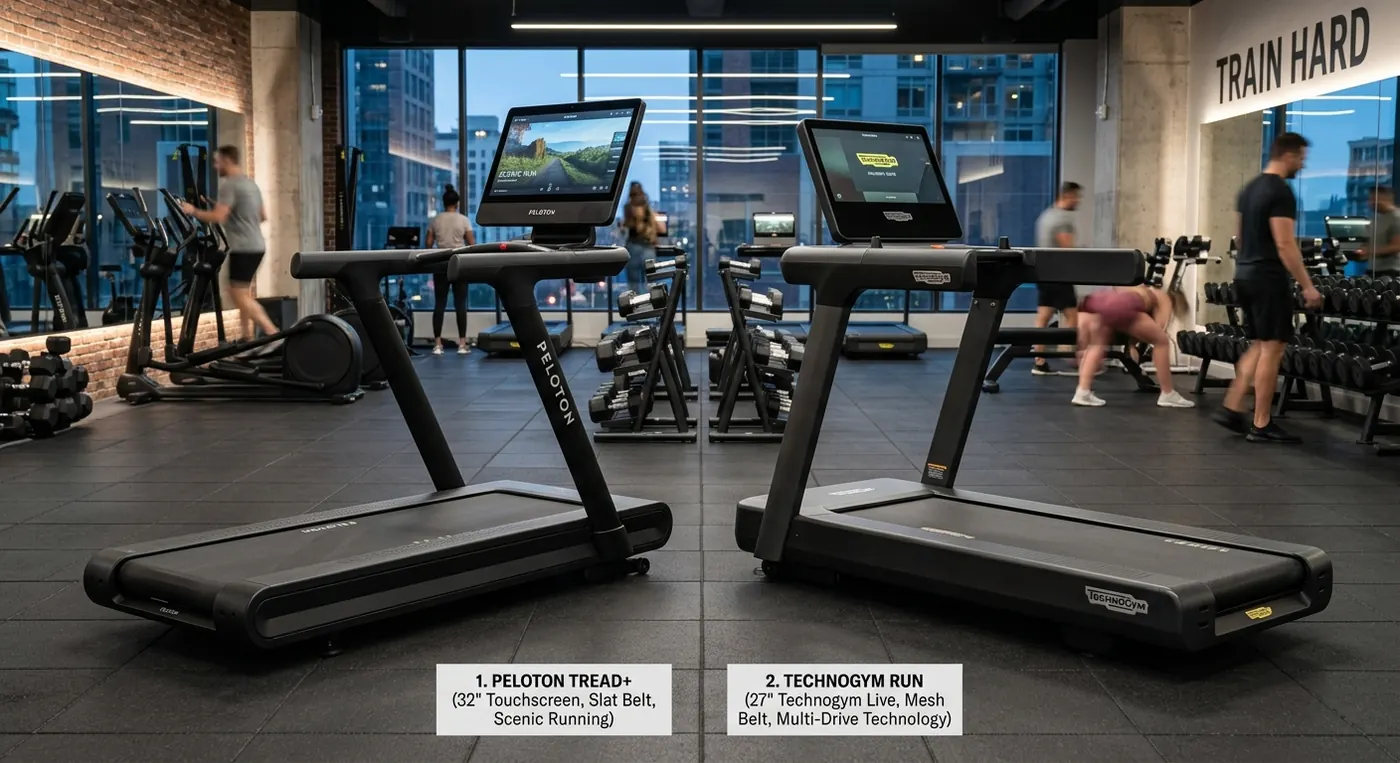
NordicTrack Commercial 1750 vs Peloton Tread: Which Treadmill Wins?
NordicTrack 1750 wins on hardware; the Peloton Tread wins on content polish. We compare both treadmills on motor, deck, software, and price to settle it.
What Happens to Your Smart Gym Machine If the Company Shuts Down?
When a smart gym machine's maker shuts down or the servers die, some machines keep working and some brick. How to tell which yours is before it happens.
Hilly Shore Labs
Editorial teamThe independent product research team behind GymScored. Every recommendation is researched, never hands-on tested — rankings come from manufacturer specifications, published standards, and aggregated buyer sentiment.
161 products scored across 26 home gym categories, each on the same 5-dimension Gym Score formula.
See the scoring methodology and who we are.
Affiliate disclosure: GymScored is a participant in the Amazon Services LLC Associates Program. We earn from qualifying purchases at no extra cost to you. Full disclosure →