Walking Pad + Standing Desk: Speeds That Don't Wreck Work
Typing drops about 13 WPM at 1.5 mph on a walking pad - comprehension doesn't. The task-by-speed map, desk height, and a walk-stand-sit rotation.
Yes, you can work while walking, if you match speed to task. In a randomized study at 1.5 mph, typing slowed about 13 net words per minute and accuracy fell from 88 to 82 percent, while learning and retention were unaffected. So walk at 1.2 to 1.8 mph for email and reading, 2 to 3 mph for listening-only meetings, and sit or stand still for precision work. Set the desk to elbow height measured while standing on the pad, and pick a pad that stays under about 50 dB so calls stay clean.
How GymScored is paid: Amazon Associates commission plus brand-direct affiliate (Rogue / REP / Titan when approved). No sponsored placements, no paid reviews, no pay-to-rank. Picks are ranked by the Gym Score formula and nothing else. Read the full disclosure.
Match the belt speed to the task and the walking pad earns its place: 1.2 to 1.8 mph for email and reading, 2 to 3 mph for listening-only meetings, and zero for precision work. Research at 1.5 mph found a real but modest typing cost and no cost to comprehension or retention, so the goal is a deliberate walk-stand-sit rotation with the desk set to elbow height measured while standing on the pad, not an all-day walk.
The task-by-speed map
What to do at which belt speed, based on the measured costs of walking while working (randomized trial at 1.5 mph, PLOS ONE 2015).
| Task | Mode | Speed | Why |
|---|---|---|---|
| Deep writing, careful editing, detailed spreadsheets | Sit or stand, belt off | 0 mph | Fine-motor and working-memory tasks take the measured hit: about 13 net WPM slower and 6 points less accurate at 1.5 mph |
| Email, chat, light drafting | Walk slow | 1.2-1.8 mph | Low-stakes typing absorbs the small speed cost; mistakes are cheap to fix |
| Reading, review, research | Walk | 1.5-2.0 mph | No fine-motor demand, and retention of what you read is unaffected by walking |
| Video calls, camera on | Stand or walk slow | 1.0-1.5 mph | Above about 1.5 mph head-bob tends to show on camera; mute when not speaking |
| Listening-only meetings, webinars, phone calls | Walk brisk | 2.0-3.0 mph | Zero keyboard demand - the best step-accumulation window of the day |
A walk-stand-sit rotation that survives a real workday
Decide by your situation, not the generic ranking.
| If | You want | Pick |
|---|---|---|
| First deep-work block (60-90 min) | Sit | Precision and hard thinking get your best posture and zero motor tax |
| Admin hour: email, chat, planning | Walk 1.2-1.8 mph | Low-stakes typing tolerates the belt |
| Meetings you mostly listen to | Walk 2.0-3.0 mph | Highest-step window of the day; no keyboard |
| Camera-on calls | Stand or walk 1.0-1.5 mph | Stable frame, clean audio |
| Second deep-work block | Sit or stand, belt off | Same precision rule; stand if you are tired of sitting |
| Last hour: reading, review, wrap-up | Walk 1.5-2.0 mph | End the day adding steps, not errors |
The short version
- Walking while working has a measured cost, and it is smaller than you would guess. In a randomized trial, people walking at 1.5 mph typed about 13 net words per minute slower and 6 points less accurately than people sitting, but they learned and retained information just as well.
- Matching speed to task is the entire skill. Email survives 1.5 mph. Careful editing does not. A listening-only meeting is happy at 2.5.
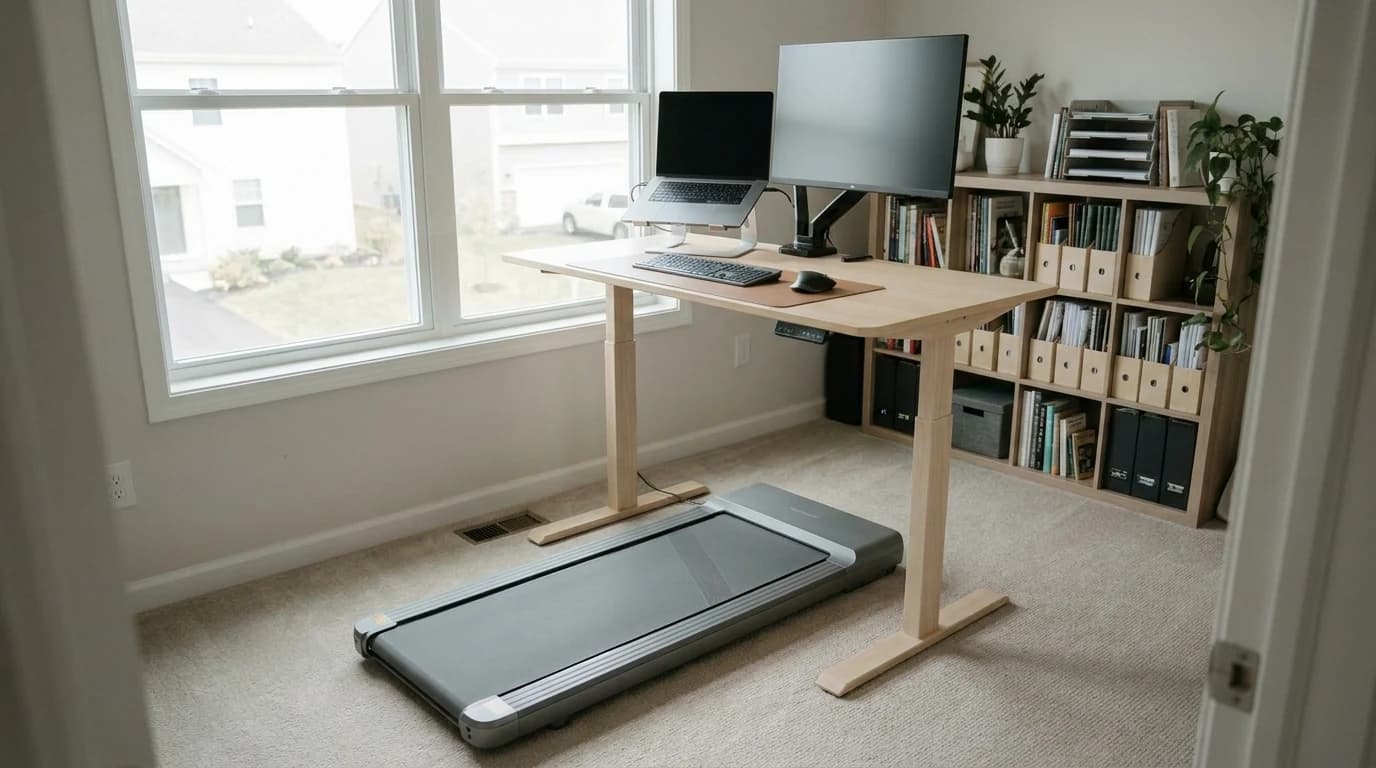
- Set desk height while standing on the pad, not on the floor. A pad raises you roughly 4 inches. Elbows at 90 degrees, measured on the belt.
- Call noise is a shoe problem more than a motor problem. Quality pads run under 50 dB at 2 mph; hard-soled heel strikes are what the mic actually picks up.
- The goal is a rotation, not a marathon. Walk the low-stakes blocks, sit the precision blocks, stand in between.
The one we would buy: the WalkingPad C2 at $449.00 — it folds in half, runs quietly at the 1.5–2 mph typing speeds below, and is the pad our readers buy most from best walking pads for a standing desk.
What walking actually costs you (someone measured it)
The question everyone asks before buying a walking pad is some version of "can I really work while walking?" It turns out researchers answered it with unusual precision. In a randomized study published in PLOS ONE, a Brigham Young University team put 75 healthy adults through identical attention, memory, and typing tests: half sitting at a normal desk, half walking at 1.5 mph on a treadmill desk.
What got worse, and what didn't
The walkers typed measurably worse on every typing measure:
- Gross typing speed fell from about 60 to 49 words per minute.
- Net speed dropped about 13 WPM.
- Accuracy slipped from 88 to 82 percent.
- Cognitive processing speed, attention, and working memory dipped about 9 percent.
Here is the part that should shape your setup: the walkers learned and retained information just as well as the sitters. Their learning curves had the same slope, and their short- and long-delay recall was statistically identical. Walking taxes your fingers and your in-the-moment focus; it does not tax what you absorb.
Rule of thumb: walking at 1.5 mph costs a competent typist roughly a fifth of their typing output and almost none of their comprehension. That single asymmetry is why the speed-to-task map below works.
Use the task-speed map, not one speed
Speed is a work setting, not a fitness setting
The mistake is treating the speed dial as a fitness setting. It is a work setting. The map above pairs each kind of work with the belt speed that does not fight it.
The pattern behind every row: the more fine-motor precision or working memory a task demands, the slower you go, all the way down to zero for the work where errors are expensive. Tasks with no keyboard at all — listening-only meetings, webinars, phone calls — are the free lunch, and where a walking pad quietly earns most of its steps. Remember that walking pads top out at 3.7 to 4 mph by design; if the goal is actually running, that is a different machine — see our home treadmill guide for runners.
The desk setup that makes it sustainable
- Height: measure on the pad. The classic mistake is dialing in your standing height, then putting a 4-inch pad under your feet and typing with your wrists cocked. Set elbows at 90 degrees while standing on the belt, and put the top of the monitor at eye level from the same position. Check your desk frame's maximum height, too: your usual standing setting plus the pad's thickness has to fit inside the frame's travel range. The walking pad fit check runs that sum against each shortlisted pad's published height.
- Stability: the frame matters more at walking height. Desks wobble more at the top of their range, and a walking cadence adds a rhythmic push a static stander never applies. A two-stage frame with a solid crossbar design holds a monitor steady where a budget single-stage frame visibly sways — the 2026 standing desk rankings at WFH Lounge score frames on exactly this kind of stability if your desk is the weak link.
- The pad itself: thickness, belt length, and noise at 2 mph are the three specs that decide under-desk livability. Our walking pad rankings score the current field on all three.
Calls: sounding and looking normal
Footstrike, not the motor
The motor is rarely the problem. Quality pads run under 50 dB at typical 2 mph desk-walk speeds — below the roughly 55 dB level NIOSH treats as disruptive for cognitive work. What microphones actually catch is footstrike: hard soles and a heavy heel land like a metronome on a call.
The fixes are cheap:
- Wear soft, flexible shoes.
- Mute when you are not speaking.
- For camera-on calls, stand still or drop to 1.0 to 1.5 mph — above that, head-bob tends to become visible in the frame even when your voice sounds fine.
Build a rotation, not an endurance event
Distribute the movement
Nobody should walk eight hours, and the research does not ask you to. The win comes from distributing movement across the day — the same logic behind the research on movement micro-breaks: frequent small doses of movement beat one heroic dose.
The rotation table above is a template, not a prescription. The two rules that matter: precision work gets a still body, and listening work gets the belt. Everything else is negotiable.
Worth knowing: start with one or two walking blocks a day and let the habit expand on its own. Every hour on the belt is distance you covered without scheduling a single workout.
What most people get wrong
Two opposite beliefs, both unsupported.
"Walking pads wreck productivity" — what the data actually shows:
- The measured cost at 1.5 mph is a modest typing slowdown and a small attention dip.
- Comprehension and retention were fully intact.
- For reading, meetings, and email, the cost rounds to zero.
"Walk all day, it's all upside" — the same study is the rebuttal:
- The typing and accuracy costs are real and statistically robust.
- They land exactly on the work where mistakes are expensive.
- The research does not show walking boosts work performance either; the honest claim is "nearly as well, plus the activity."
The walking pad is not the productivity variable. Speed-to-task matching is. Get the desk height right, keep precision work still, walk everything that does not need your hands, and the setup pays for itself in steps you never had to schedule.
Frequently Asked Questions
Can you type while walking on a walking pad?+
Yes, with a measurable cost. In a randomized study at 1.5 mph, gross typing speed fell from about 60 to 49 words per minute, net speed dropped about 13 WPM, and accuracy slipped from 88 to 82 percent versus sitting. The practical answer is to slow the belt to 1.2 to 1.5 mph for light typing like email, and move precision work - careful editing, detailed spreadsheets - to a sitting or standing-still block.
What is the best walking pad speed for working?+
Match speed to task: 1.2 to 1.8 mph for tasks with light typing, 1.5 to 2.0 mph for reading and review, and 2.0 to 3.0 mph for listening-only meetings and phone calls where your hands are free. Walking pads top out at 3.7 to 4 mph by design - they are walking machines, not treadmills - so the working range covers most of the dial.
Are walking pads too loud for video calls?+
Quality pads run under about 50 dB at typical 2 mph desk-walk speeds, below the roughly 55 dB level NIOSH treats as disruptive for cognitive work. What microphones actually pick up is footstrike, not the motor: hard soles and heavy heel landings. Soft flexible shoes, muting when not speaking, and slowing to 1.0 to 1.5 mph on camera-on calls solve it for most setups.
How high should a standing desk be for a walking pad?+
Set it with your elbows at 90 degrees measured while standing on the pad, not on the floor - a typical pad raises you about 4 inches. Put the top of the monitor at eye level from the same on-pad position. Also confirm your desk frame's maximum height covers your usual standing setting plus the pad's thickness, since budget frames run out of travel for taller users.
Sources & Research
- PLOS ONE — Cognitive and Typing Outcomes Measured Simultaneously with Slow Treadmill Walking or Sitting: Implications for Treadmill Desks (Larson et al., 2015) - typing 60.45 to 49.03 gross WPM, accuracy 88% to 82% at 1.5 mph; learning retention unaffectedresearch
- BYU Life Sciences — People on treadmill desks perform tasks nearly as well as those sitting - 9 percent cognitive processing dip and 13 WPM typing drop at 1.5 mphresearch
Your next step
Ready to pick the pad?
Related reviews
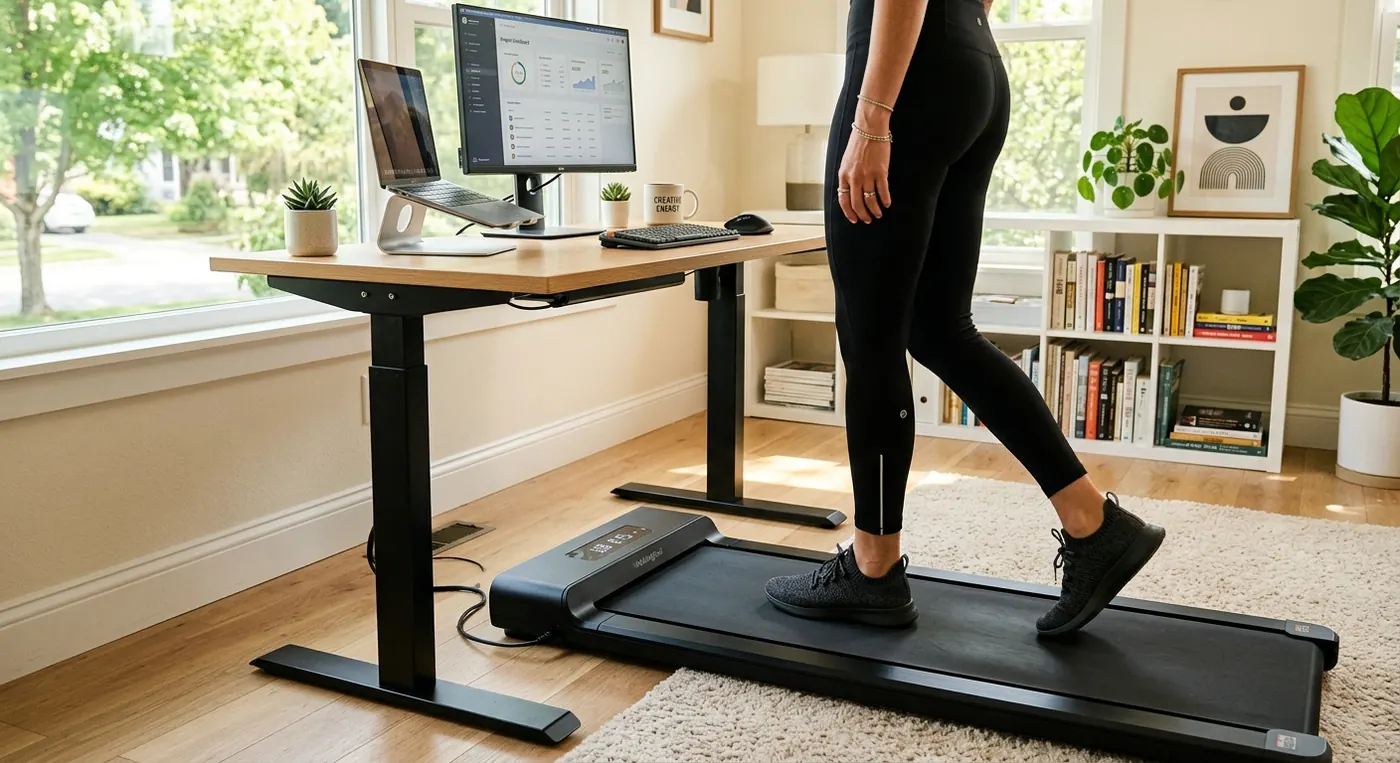
Best Walking Pads to Use Under a Standing Desk
The WalkingPad C2 is the best under-desk walking pad for its fold-in-half design; the Abonow is the budget pick. Four pads compared on height and belt.
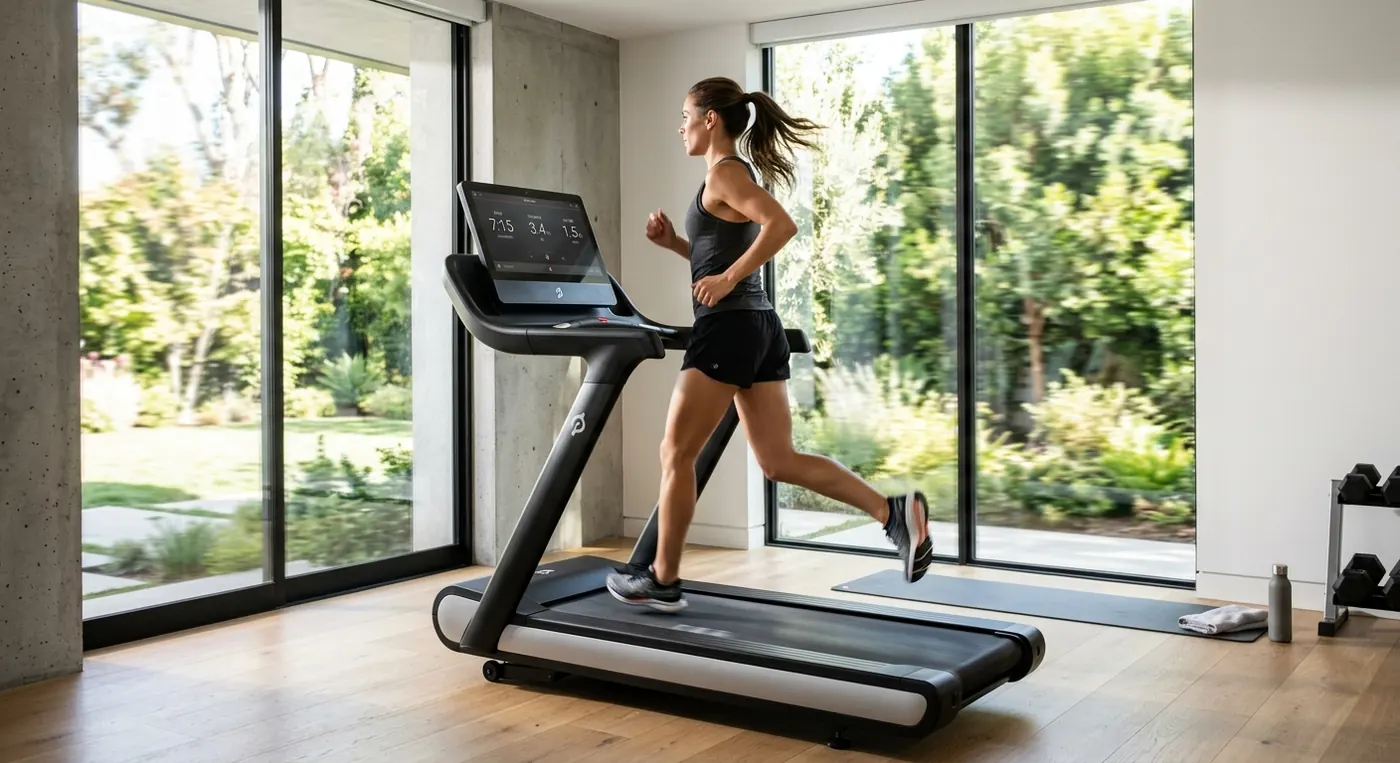
Best Treadmill for Home Runners in 2026
The NordicTrack Commercial 1750 is the best running treadmill of 2026; the T Series 10 is the value runner and the MERACH is the incline pick. Seven decks scored.
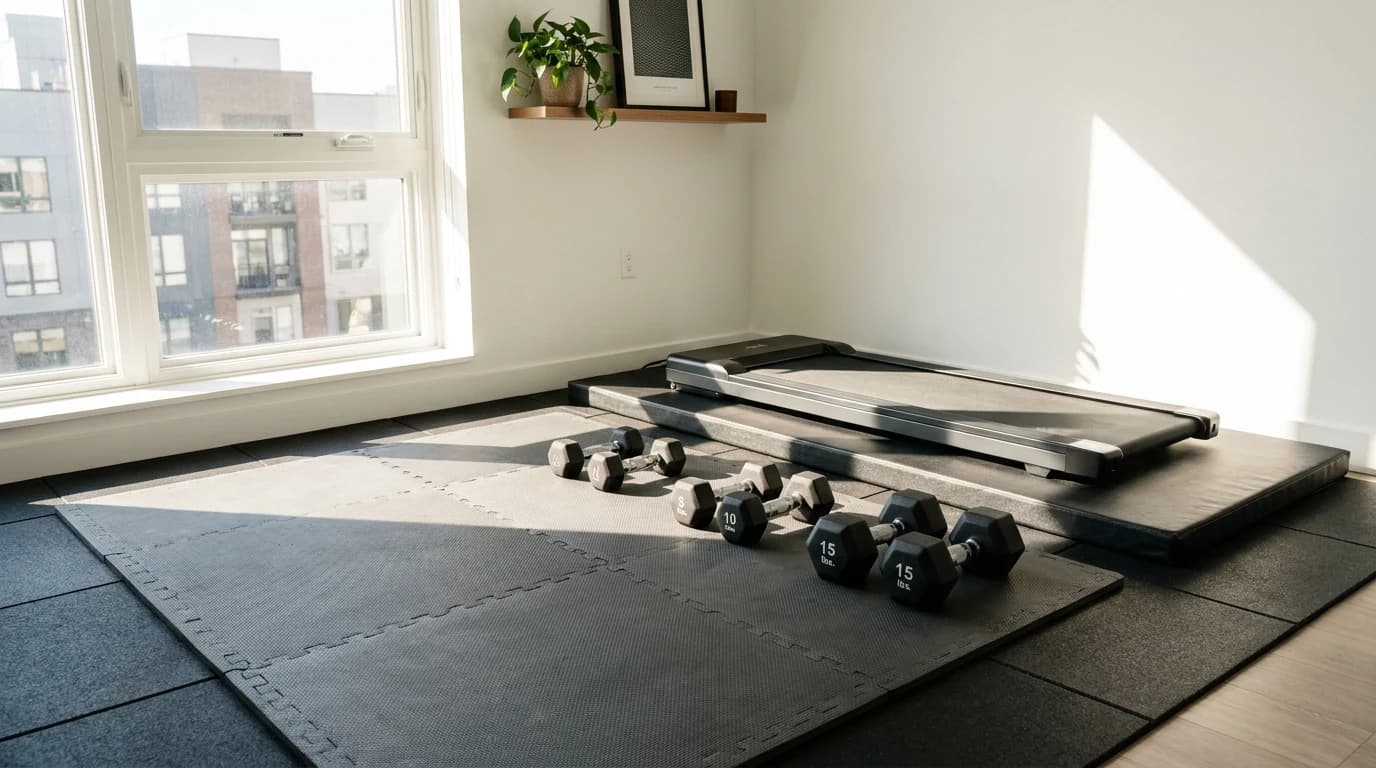
How to Make a Home Gym Quiet (Apartment and Upstairs Fixes)
Most home gym noise is impact, not effort. Layer dense rubber and cushion flooring, isolate cardio, and lower weights under control in an apartment.
Hilly Shore Labs
Editorial teamThe independent product research team behind GymScored. Every recommendation is researched, never hands-on tested — rankings come from manufacturer specifications, published standards, and aggregated buyer sentiment.
161 products scored across 26 home gym categories, each on the same 5-dimension Gym Score formula.
See the scoring methodology and who we are.
Affiliate disclosure: GymScored is a participant in the Amazon Services LLC Associates Program. We earn from qualifying purchases at no extra cost to you. Full disclosure →